


1
Keep it
Record a voice note, write a few lines or add photos and videos. Gentle prompts help when you don’t know what to say.
Keep your voice, letters, photos and videos in one quiet place. One day your child opens them, and hears you just as you are now.
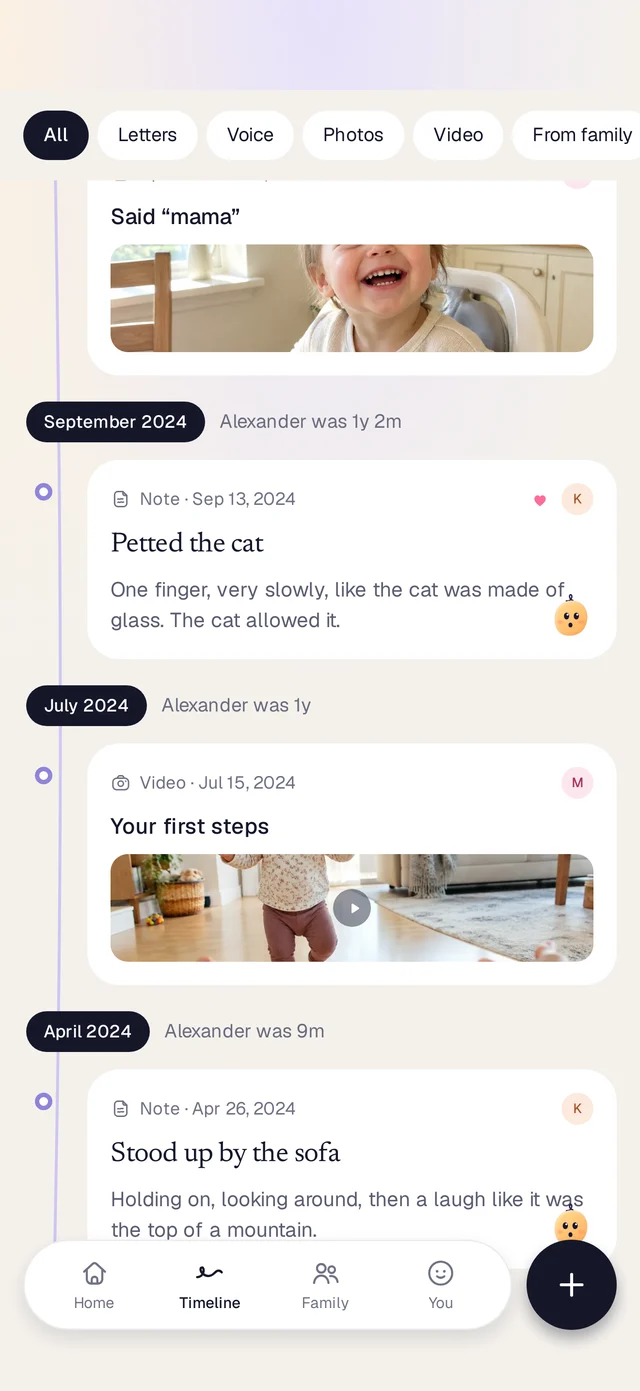
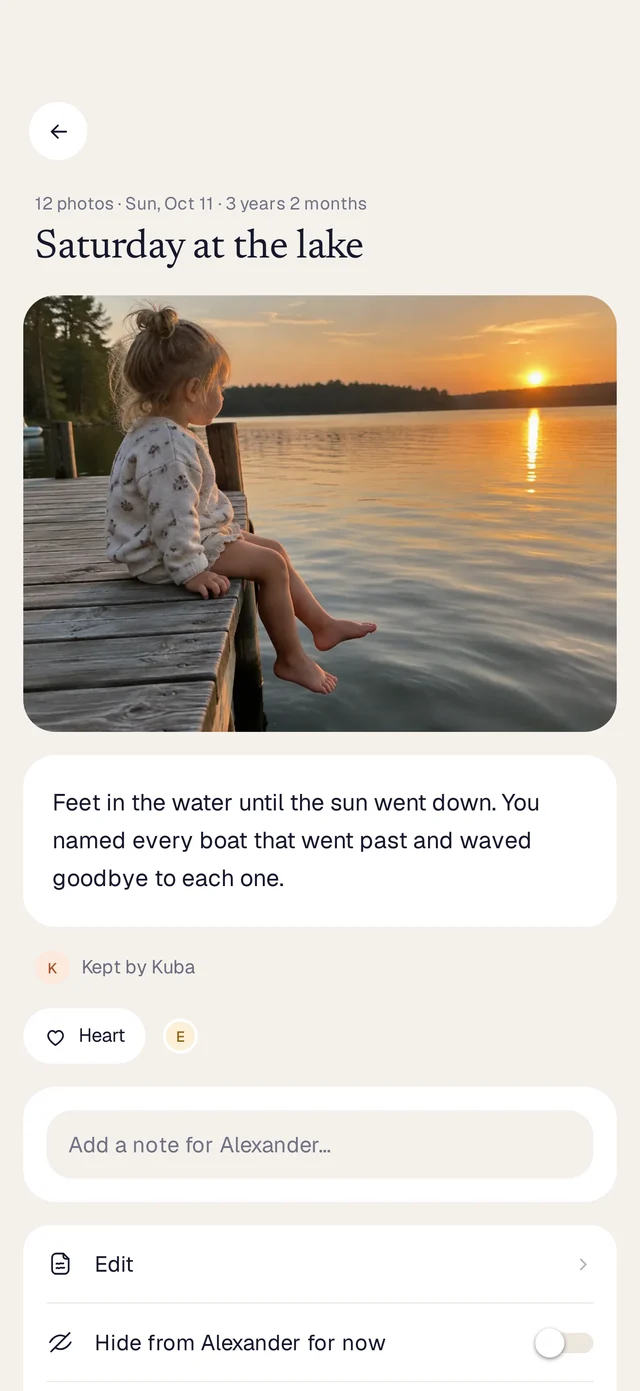
You put the spoon on your head and said “hat”, like it was the most obvious thing in the world.
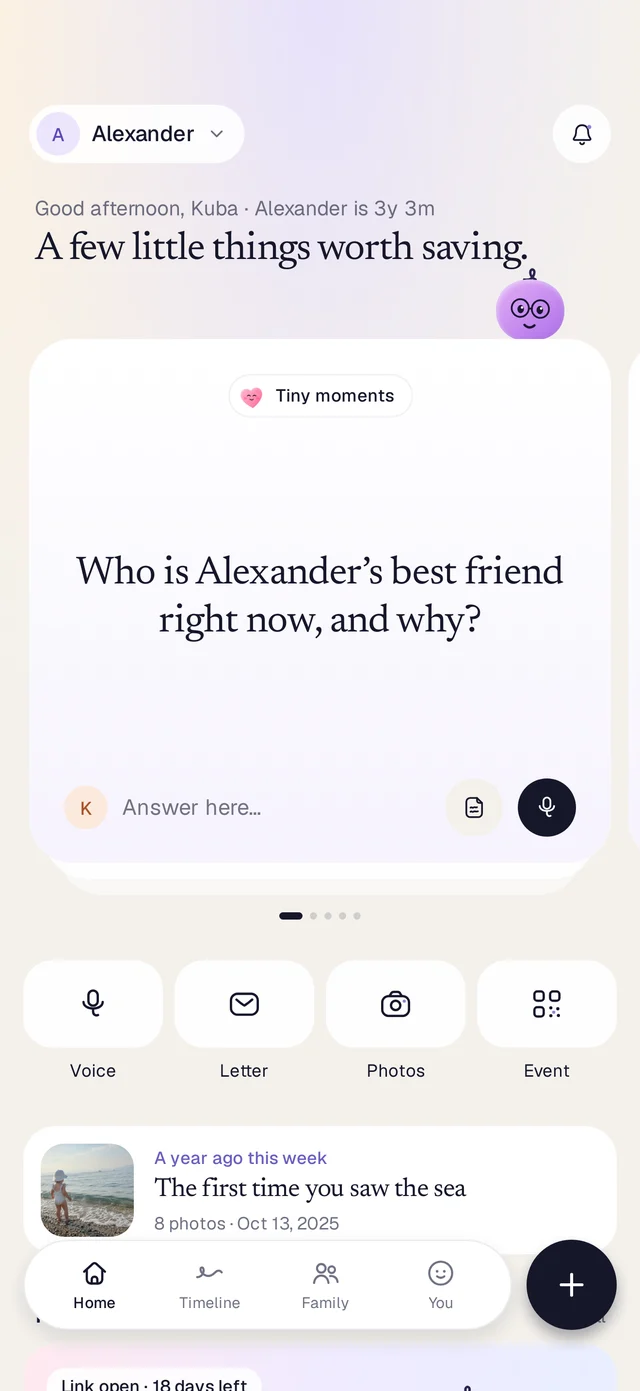
 A year ago this weekThe first time you saw the sea8 photos · Oct 13, 2025
The camera roll fills up, the funny words fade in a week, and Grandma’s stories stay in her head. Laterly gathers them into one journal for your child, in your own voice, ready to open when they’re older.
No albums to organise, no streaks to keep. Just a calm place for the little things, ready for the day they ask.
Record a voice note, write a few lines or add photos and videos. Gentle prompts help when you don’t know what to say.
Grandparents and friends add theirs from a link or a QR code. No app, no account. You approve everything first.
Keep it on their timeline now, or seal a letter for their 18th birthday. Even you can’t peek. They open it when the day comes.
Talk, film, snap or write. Or send it from the app it’s already in.
Tap and talk. The words are written down for you, right on your phone.
Record in the app or pick from your library. Up to a minute free, ten with Plus.
Choose from your library and add a line, so they know why it mattered. In the evening, Laterly can suggest today’s photos. Kept as originals, Live Photos too.
Write now and keep it on their timeline, or seal it to open on a day you choose.
Already in Photos, WhatsApp, Messages or Safari? Tap Share, choose Laterly, and it’s kept. Voice notes from chats come along too.
More than 1,700 questions for every age from birth to 16, for the seasons and for your family’s own days. Three new cards each day, a reminder at the time you choose, and never the same question twice. No streaks, no guilt, and a break whenever you need one.
Dear Alexander,today you called the moon “the big lamp”and asked it to stay on all night.I hope you still look up.
Love, Dad
Five questions to ask your child each year, with last year’s answers right next to them. On the birthday morning, a look back at the year you kept.
The same five questions every year: what they love to eat, who they play with, what makes them laugh. Record the answers in their own voice and watch them change.
On the birthday morning, a look back at the year: what you kept, the moments that mattered, a card to send to family and a note for the day.
For a baby on the way, or a child you’re adopting. A question for each week, the moments to keep, letters for the day they arrive. When they’re here, it all becomes the first pages of their journal.
Make an event for a birthday, a christening or a first holiday and put one QR code on the table. Guests add photos, videos, voice notes and wishes from their phone, no app needed. You choose what’s kept.
A name, a date, done. The link stays open as long as you like.
Print it for the table, or send the link to the family chat.
From their phone’s browser. No app, no account, no password.
Nothing is kept until you say so. It all lands in the journal as one chapter.
Share the journal with a co-parent and grandparents, in the app or with a link that works without it. Ask them for their stories, choose for each memory who sees it, and decide who looks after it if you ever can’t.
Send it on WhatsApp, iMessage or email. Your co-parent is included in Plus.
Every week Laterly picks a question for Grandpa. He answers with his voice from a link, and his stories land in Alexander’s journal.
A quiet notification when family keeps something new, or waits for your yes.
Choose someone, like Grandma Ela, who can ask for access to the journal if you ever can’t open it yourself.
Export the whole journal, or make a book with QR codes that play voices from the page. Printed copies coming soon.
Four widgets put the journal where your thumb already is.
Birthdays, days to never miss and opening days show up in the calendar you already use. Never what’s inside.
Tap Share in another app and choose Laterly. Photos, videos, voice notes and links come along.
No new password to remember.
A hardcover journal book delivered to your door.
It’s your child’s story. We treat it that way.
Only the people you invite can open the journal.
Files are kept in the EU or in the US. Your choice.
Transcripts are made on your device, not on a server.
Keep the journal behind Face ID or Touch ID, even on a shared iPad.
Export the whole journal as a ZIP file, any time.
Delete your account and everything in it, right from the app.
Keep any memory to yourself, even from family. Share it later if you like.
Some things never leave your phone. They still show in your timeline and search.
Laterly keeps a copy of the journal in Files on your iPhone, in iCloud Drive or in Google Drive.
Everything you need to begin.
or $49.99 a year, 40% less$4.17 a month, billed once a year
Yearly only, $99.99 a year. For big families and lots of video.For big families and lots of video.
Yes. Search finds any word in titles, letters and the words of voice notes, and you can filter by kind or by who added it. Every month Laterly also gathers that month’s photos into one roundup.
Only the people you invite, like a co-parent or grandparents. Guests who add to a family event only see that event’s page, and what they send waits for your approval.
Whenever you decide. You can share the journal with them any time, and sealed letters open on the date you chose.
No. They add photos, voice notes and words from a link or a QR code in their phone’s browser. No account needed.
In the EU or in the US, you choose when you set up the journal. Only your family can open them.
Nothing you kept goes away. You can still open and export everything; you just go back to the free limits for new things.
Yes. Add the journal’s dates to Google Calendar, Outlook or Apple Calendar with one link. It shows birthdays, days to never miss and when something opens, never what’s inside.
You can make a journal book with QR codes that play voice notes from the page. Printed copies are coming soon.
It takes ten seconds to keep something they’ll want to hear for the rest of their life.
for Alexander, from Dad